




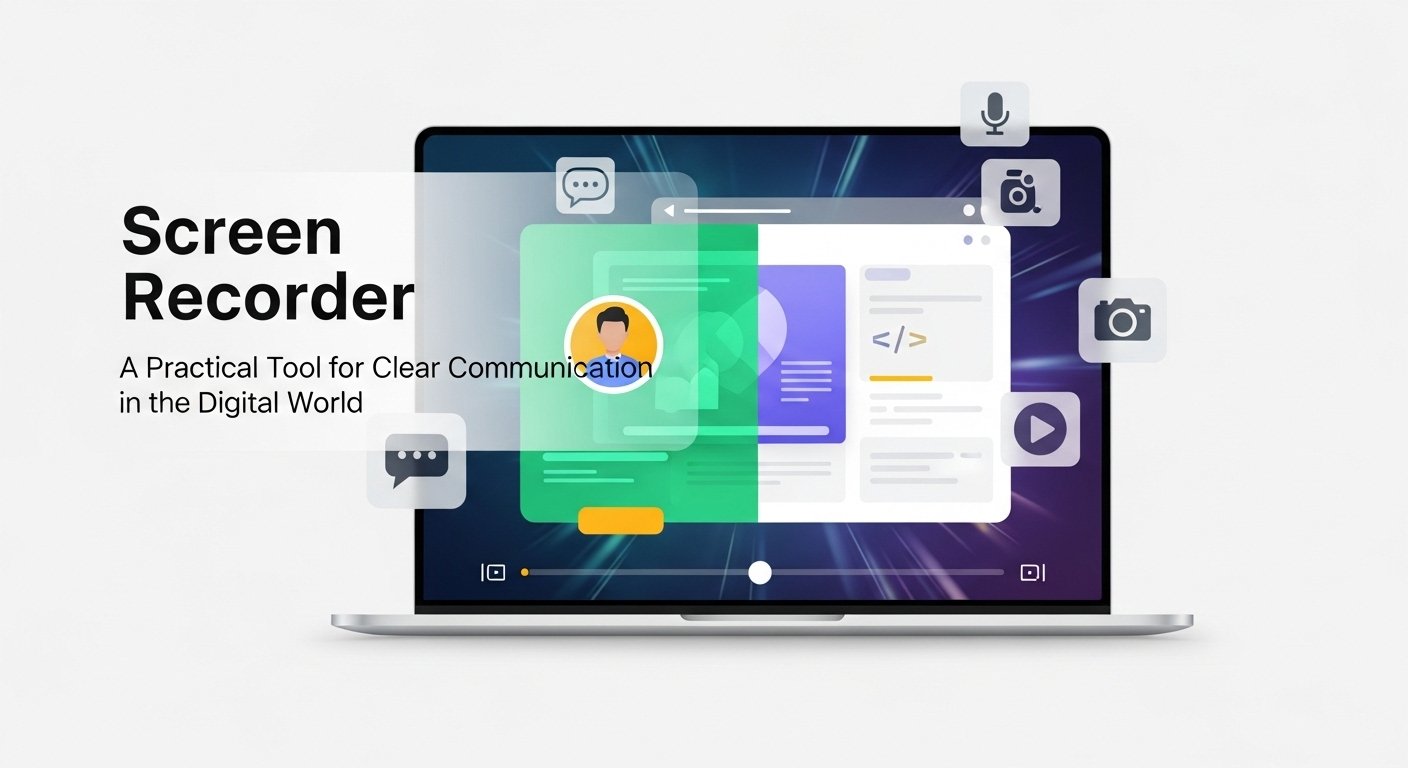
A Screen Recorder is a simple yet powerful tool that records everything happening on your screen and saves it as a video. Instead of explaining steps through long messages or emails, you can visually show the process. This approach reduces confusion, saves time, and helps people understand information faster.
Today, screen recorders are used widely in education, business, freelancing, and content creation. Their ability to turn actions into visual explanations makes them an essential part of modern digital work.
Understanding What a Screen Recorder Does
A screen recorder captures real-time screen activity. This includes mouse movement, scrolling, opening apps, and switching between windows. Many tools also allow audio recording, letting you narrate while demonstrating a task.
Some screen recorders also support webcam overlays. This feature shows the presenter’s face in a small frame, making the video feel more personal and engaging. The final output is usually a video file that can be edited, stored, or shared online.
How Screen Recording Actually Works
When a screen recording starts, the software continuously captures visual data from your display. These visual frames are then processed and compiled into a video file. At the same time, audio from your microphone or system is recorded and synchronized with the visuals.
Most screen recorders give users control over:
- Recording area, such as full screen or selected sections
- Audio sources, including voice and system sounds
- Video quality and frame rate
After recording, the file is saved automatically and is ready for editing or sharing.
Popular Ways People Use Screen Recorders
Screen recorders are flexible and fit many everyday situations:
- Online education – instructors create clear lesson recordings
- Office work – teams explain workflows or report issues
- Remote collaboration – freelancers send visual feedback to clients
- Product demos – businesses showcase features and updates
- Technical support – users record errors or bugs instead of describing them
Visual demonstrations make communication faster and more accurate.
Features That Make a Screen Recorder Worth Using
Before choosing a screen recorder, it’s important to understand which features actually matter.
Video and Audio Quality
Clear visuals and smooth motion help viewers follow instructions. Clean audio makes narration easy to understand.
Multiple Recording Modes
The ability to record full screen, specific windows, or custom areas adds flexibility.
Editing Capabilities
Basic editing tools like trimming, annotations, cursor highlights, and captions improve video quality without extra software.
Ease of Use
A simple interface with quick controls allows users to start recording without technical frustration.
Export and Sharing Options
Support for common video formats and quick sharing options makes collaboration easier.
Free vs Paid Screen Recorders
Free iTop Screen Recorder is suitable for simple tasks, short videos, and personal use. Some may include watermarks or limited editing features.
Paid screen recorders usually provide better performance, advanced editing tools, higher resolution output, and customer support. Professionals and content creators often prefer paid options due to reliability and flexibility.
Privacy and Responsible Screen Recording
While screen recording is legal in many situations, users should always respect privacy and consent. Recording private conversations or sensitive data without permission can lead to ethical and legal issues. Some platforms also restrict recording copyrighted or protected content.
Final Thoughts
A screen recorder helps bridge the gap between explanation and understanding. By showing actions instead of just describing them, it improves communication across education, business, and personal projects. Whether you’re teaching, presenting, or troubleshooting, the right screen recorder can make your message clearer and more effective.