



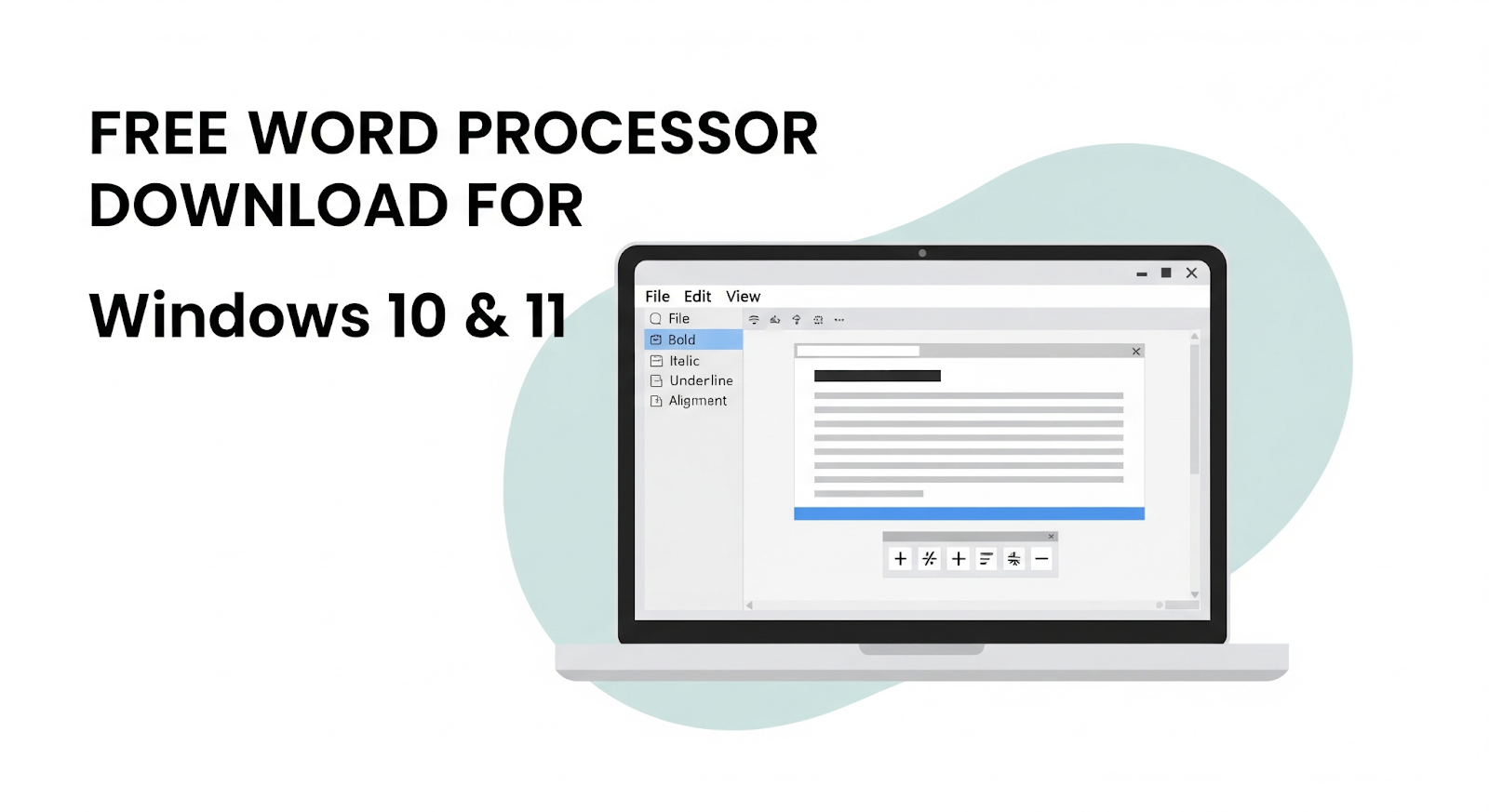
You have a new Windows computer. Maybe you just upgraded to Windows 11. You need to write documents. Letters, resumes, reports, school assignments.
Microsoft Word costs money. Buying it feels unnecessary for basic writing.
The good news? Free word processors exist that work great on Windows 10 and 11. They open Word files, save in Word format, and feel familiar.
Here are the best free word processor downloads for Windows.
What to Look for in a Free Word Processor
Good word processing software needs certain features. You want something that:
- Opens .doc and .docx files without issues
- Saves files others can open in Microsoft Word
- Has a familiar interface so you don’t relearn everything
- Includes basic formatting tools
- Runs smoothly on your Windows PC
- Is safe and from a trusted source
Free options exist that meet all these needs.
Best Free Word Processors for Windows 10 & 11
1. WPS Writer
WPS Office includes WPS Writer. It’s a free word processor designed for Windows.
What you get:
- Full compatibility with .doc, .docx, .docm, .dot, .txt, and .rtf files
- Works with Word 365, 2021, 2019, 2016, and earlier versions
- Maintains original fonts, styles, layouts, tables, and formatting
- Familiar ribbon interface like Microsoft Word
- Built-in AI tools for rewriting, summarizing, and proofreading
- Export to PDF or images
- Save locally or to cloud
Windows-specific features:
- Native Windows app optimized for Windows 10 and 11
- Lightweight, runs fast on any Windows PC
- Regular updates for new Windows versions
- File recovery if your system crashes
Extra tools you get:
- 100,000+ free templates for resumes, letters, reports
- Bulk file management (split, merge, rename)
- Convert Word to PDF without losing layout
- 1,000+ stylish text colors and effects
- OCR to convert images to text
- AI spell check integrated
- Real-time collaboration with others
WPS Writer handles everything Microsoft Word does. You can get a free word download directly from WPS and start writing in minutes.
2. Microsoft Word Online
Microsoft offers free web versions of Word. Works in any browser on Windows.
What you get:
- Official Microsoft Word interface
- Basic to intermediate features
- Save to OneDrive
- Share and collaborate
Limitations:
- Requires internet connection
- Fewer features than desktop version
- Files save to cloud, not locally by default
Good for quick edits when you have internet.
3. Notepad++
For simple text files, Notepad++ works great. It’s free and lightweight.
What you get:
- Plain text editing
- Syntax highlighting
- Very fast
- No formatting options
Not for Word documents, but good for notes.
Why WPS Writer Is Best for Windows Users
WPS Writer offers the most complete word processing experience on Windows.
Formatting stays perfect. When you open Word files, everything looks right. Fonts, styles, tables, layouts are all preserved. No reformatting needed.
The interface feels familiar. If you know Microsoft Word, you know WPS Writer. Same ribbon layout. Same tool locations. No learning curve.
It’s completely free. No subscriptions. No watermarks. No time limits. Just free word processing.
Works on all Windows versions. Windows 10, Windows 11, even older versions. Optimized for each.
Lightweight and fast. WPS Office runs smoothly even on older computers. No lag when typing or editing.
Extra features you don’t get in Word:
- AI tools for rewriting and proofreading
- PDF conversion built-in
- OCR to turn images into text
- Bulk file management
- Stylish text colors and effects
- File recovery if Windows crashes
Real-time collaboration. Edit documents with others simultaneously. See changes as they happen. Perfect for team projects.
How to Download and Install WPS Writer on Windows
Getting started takes two minutes.
- Go to the WPS Office official website
- Click the Windows download button
- Run the installer file
- Follow the installation steps
- Open WPS Writer
- Start a new document or open an existing Word file
That’s it. No account required. No payment needed. The software installs like any Windows program.
For the best free word download on Windows 10 or 11, WPS Writer is the top choice.
Frequently Asked Questions (FAQ)
Is WPS Writer really free for Windows?
Yes. WPS Writer is completely free with no time limits. No watermarks. No hidden costs.
Will my Word files look the same in WPS Writer?
Yes. WPS Writer preserves all formatting from Word files. Fonts, styles, tables, layouts all stay intact.
Do I need the internet to use WPS Writer?
No. WPS Writer works completely offline. Download templates once and use them anywhere.
Can I save files in Word format?
Yes. WPS Writer saves as .doc and .docx files that open perfectly in Microsoft Word.
Is WPS Writer safe to download?
Yes, from the official WPS website. It’s trusted by millions of users worldwide.
Does WPS Writer work on Windows 11?
Yes. WPS Writer is fully compatible with Windows 11 and Windows 10.
Can I open old Word files from 2003?
Yes. WPS Writer opens .doc files from older Word versions too.
Tips for Getting Started
Use templates. Don’t start from blank pages. WPS has thousands of free templates for resumes, letters, reports.
Learn keyboard shortcuts. Ctrl+S saves. Ctrl+B makes bold. Same as Word.
Save often. Auto-save helps, but manual saves are good habit.
Try AI tools. Use the built-in AI to rewrite paragraphs or check spelling.
Explore features. WPS Writer has tools Word doesn’t. OCR, PDF conversion, bulk management.
The Bottom Line
You don’t need to buy Microsoft Word for Windows. Free alternatives work great.
WPS Writer offers the most complete experience. Full Word compatibility, familiar interface, extra features like AI and OCR, all completely free. It runs perfectly on Windows 10 and Windows 11.
Other options work too. Word Online for browser-based editing. LibreOffice for open-source fans. But for Windows users needing a full-featured Word replacement, WPS Writer is the best choice.
Download it today. Install in minutes. Start writing. Your documents will look professional. Your wallet stays full.
For Windows users, a reliable word download like WPS Office gives you everything you need at no cost.