


The honeymoon phase of generative AI—where typing a few words and seeing a semi-coherent image felt like magic—is largely over for professional creators. We have moved past the era of the “prompt casino,” where marketers and designers spent hours pulling the lever on a text-to-image generator, hoping for a usable result. In a professional production environment, “usable” isn’t enough. Assets must be repeatable, brand-compliant, and high-resolution.
The bottleneck in most current workflows isn’t the generation of the initial idea; it is the refinement process. A prompt might get you 80% of the way there, but that final 20%—correcting a distorted limb, adjusting the lighting, or removing a distracting background element—is where projects either stall or succeed. To scale, creators are shifting away from standalone generation and toward integrated pipelines that center on an AI Photo Editor to bridge the gap between a raw output and a final asset.
The Myth of the Perfect Prompt
There is a persistent narrative that if you simply master “prompt engineering,” the AI will eventually output a perfect, production-ready file. For anyone working on a deadline, this is a dangerous assumption. Relying solely on generation is an inefficient use of compute and time. If an image is perfect except for a stray object in the background, prompting the entire scene again is a gamble. You might fix the object but lose the specific facial expression or lighting that made the first version work.
Experienced operators treat the initial generation as digital clay. It provides the form, but the precision comes from the editing layer. This is why the industry is seeing a move toward platforms that house multiple models—like Flux, Nano Banana, or Google’s latest offerings—alongside a robust suite of manipulation tools. The goal is to spend less time “fishing” for the right seed and more time shaping the results you already have.
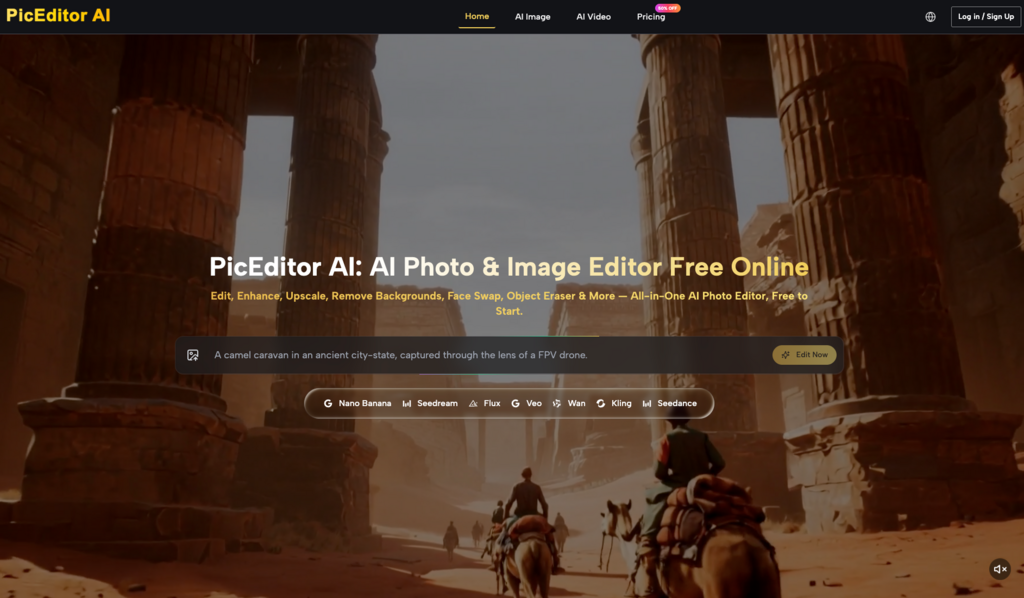
Building a Repeatable Asset Pipeline
A repeatable workflow requires a clear separation between the creative “discovery” phase and the technical “finishing” phase. In the discovery phase, you are testing models to see which interprets your brand’s aesthetic most accurately. Some models excel at cinematic realism, while others are better at flat vector styles. Once a base image is selected, the workflow should transition immediately into a structured editing environment.
This is where an AI Image Editor becomes the primary workspace. Instead of cycling through dozens of new prompts to change a color scheme, an operator uses targeted tools like object erasers or background removers. This keeps the core composition intact while allowing for the surgical precision required for commercial work.
Managing Model Variance
One of the primary challenges in scaling production is the inherent variance in AI models. Even with identical prompts and seeds, slight variations in the underlying architecture can produce inconsistent results over time. This is a significant limitation for creators trying to maintain a visual identity across a series of social media posts or a product catalog.
To mitigate this, professional workflows often involve generating a “master” asset and then using image-to-image or in-painting techniques to create variations. This ensures that the lighting, texture, and geometry remain consistent across the campaign. If the toolset allows for face swapping or style transfers within the same interface, the speed of production increases exponentially compared to jumping between different software tabs.
The Role of Upscaling in High-Resolution Output
Most generative models still struggle with native high-resolution output. A common mistake is trying to generate a 4K image directly from a text prompt, which often leads to “tiling” artifacts or a loss of anatomical logic. The pragmatic approach is to generate at a lower resolution—where the model’s spatial reasoning is strongest—and then use a dedicated AI Photo Editor to upscale and enhance the detail.
Upscaling isn’t just about making an image larger; it’s about hallucinating missing textures in a way that remains faithful to the original. This is a moment of uncertainty for many creators: an upscaler can sometimes introduce unwanted “plastic” skin textures or overly sharpened edges. A production-ready workflow must include a step for manual review and subtle adjustments to ensure the upscaled version hasn’t lost the “soul” of the original low-res concept.
From Static Images to Motion: The Video Bridge
The next evolution of the creator workflow is the move from static imagery to short-form video. Marketers are finding that static assets no longer command the same engagement levels on social platforms. However, generating video from scratch using text prompts is notoriously difficult to control. The “physics” of AI video often break, leading to objects morphing into one another or characters losing their identity between frames.
The more reliable method is an image-to-video pipeline. By taking a refined image from an AI Image Editor and using it as a reference frame for models like Kling, Veo, or Runway, creators gain significantly more control over the motion. The image acts as an anchor, defining the characters, environment, and lighting before the first frame of video is even rendered.
Temporal Consistency and its Limitations
It is important to reset expectations regarding AI video. While image-to-video tools have improved, maintaining temporal consistency—where an object stays the same shape and color throughout the clip—is still hit-or-miss. For a five-second clip, the technology is revolutionary. For a thirty-second sequence, the complexity often results in visual “drift.”
Creators must plan for these limitations by keeping shots short and focused. Instead of trying to generate a long, complex narrative in one go, the workflow should involve generating several short, high-quality segments that can be stitched together in traditional post-production software. This hybrid approach—using AI for the heavy lifting of animation and human editors for the final assembly—remains the gold standard for quality control.
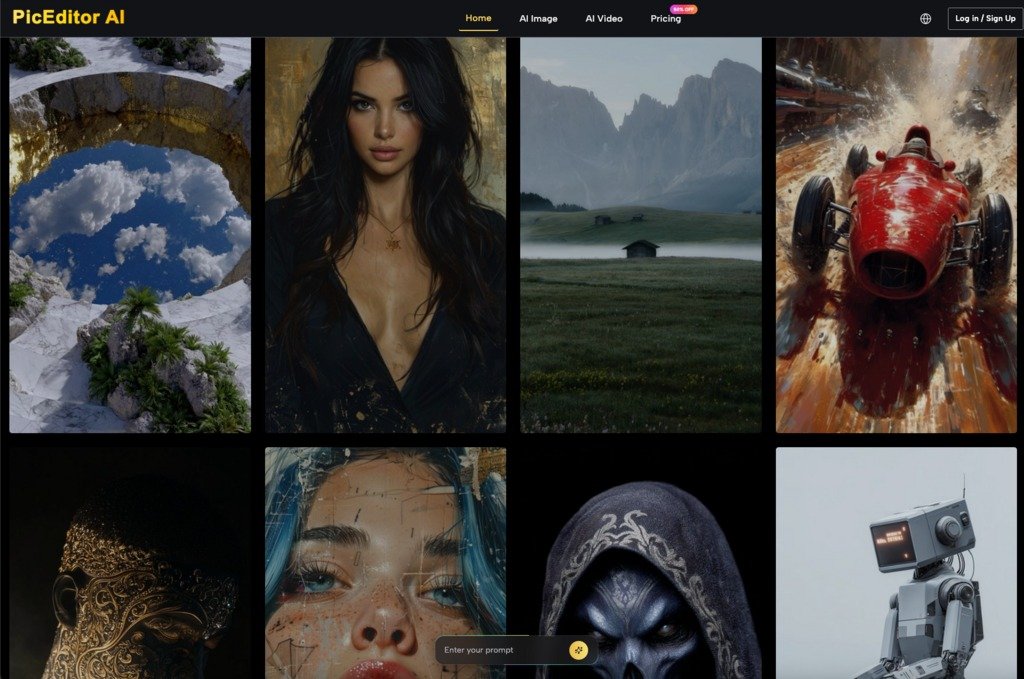
Tactical Editing: Beyond the Hype
When we talk about an AI Photo Editor, we are often talking about the “boring” tasks that take up the most time in a creative agency. It’s not just about turning a cat into a dragon; it’s about removing a watermark, swapping a face on a licensed stock photo, or extending the canvas of a portrait-mode photo to fit a landscape-mode banner.
These tactical applications are where the ROI of AI tools is most visible. If a designer can use an object eraser to clean up a product shot in thirty seconds instead of thirty minutes in legacy software, the production capacity of that team has effectively doubled. The value lies in the integration—having the generator and the editor in a single ecosystem minimizes the friction of file transfers and format conversions.
The Reality of “Hallucination” and Fine Detail
Even the most advanced AI Image Editor has its breaking point. When dealing with text inside images or complex mechanical parts (like the internal gears of a watch or specific architectural blueprints), AI still tends to “hallucinate” details that look correct at a glance but are functionally nonsensical.
For creators in technical fields, this means AI-generated assets often require a final pass by a human illustrator to correct specific inaccuracies. We are not yet at the point where AI can be trusted with 100% autonomy for high-stakes technical visuals. Acknowledging this limitation is crucial; it prevents the “uncanny valley” effect where a professional-looking image is undermined by a glaring, illogical detail.
Integrating the Workflow: A Practical Checklist
For those looking to move toward a repeatable production model, the following steps provide a framework:
- Define the Base Model: Choose a model (like Flux for realism or Nano Banana for speed) that fits the project’s aesthetic requirements.
- Generate for Composition: Focus on getting the layout and lighting right in the text-to-image phase. Don’t worry about minor errors.
- Surgical Correction: Move the asset into an AI Photo Editor. Use in-painting or object removal to fix specific flaws.
- Upscale and Enhance: Use a dedicated enhancement tool to bring the resolution up to print or web-ready standards.
- Animate if Necessary: Use the polished image as the source for an image-to-video generator to ensure visual consistency.
- Human Review: Perform a “sanity check” for anatomical errors, text hallucinations, or lighting inconsistencies.
The Shift Toward Operator-Led Creation
The transition from “prompting” to “operating” marks the maturity of the AI creative space. We are seeing a shift where the skill is no longer in knowing the “magic words,” but in knowing which tool to use at which stage of the pipeline. Platforms that integrate these capabilities—offering a seamless transition from a raw Flux generation to a refined, upscaled, and even animated asset—are becoming the new standard for creative operations.
The goal isn’t to replace the artist, but to remove the mechanical friction that usually sits between an idea and a finished file. By focusing on integrated workflows rather than isolated prompts, creators can finally stop playing with AI and start producing with it. This move toward a more disciplined, editor-centric approach is what will ultimately allow AI-generated media to move from the fringes of social media experimentation into the core of professional marketing and design.